
Set up your shop: address and payouts
The short setup that opens when you confirm your email.
When you confirm your email, a short setup opens. It takes about two minutes.
- Welcome. Tap Let’s start.
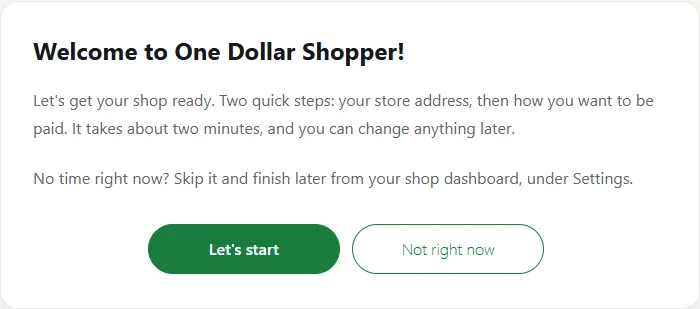
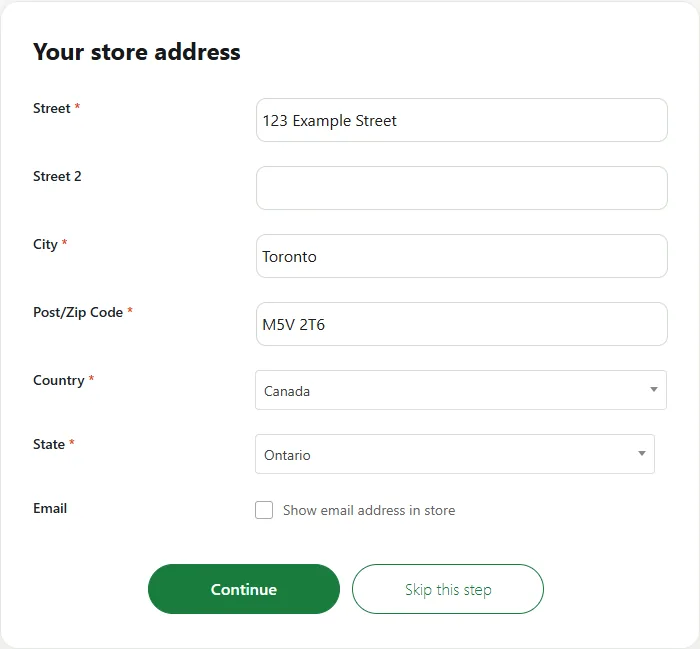
- Your store address. Fill in Street, City and Post/Zip Code, then pick your Country and your province or state (the box called State). Tick Show email address in store only if you want shoppers to see your email. Tap Continue.
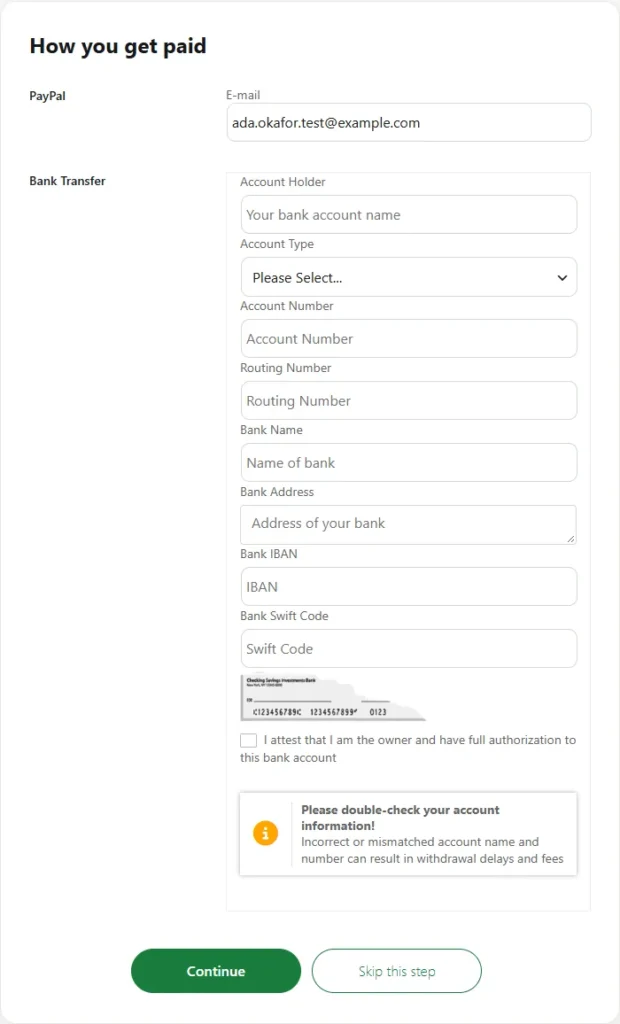
- How you get paid. You only need one of these:
- PayPal: type the email address of your PayPal account in E-mail.
- Bank Transfer: fill in Account Holder, Account Type, Account Number, Routing Number, Bank Name and Bank Address, as they appear on a void cheque or your bank’s direct deposit form. Bank IBAN and Bank Swift Code are only needed if your bank uses them. Tick I attest that I am the owner.
Tap Continue.
- Done. On Your shop is set up!, tap Go to my shop dashboard.
Skipped a step, or chose Not right now? You can do it any time from your shop dashboard: Settings, then Store for your address, or Payment for your payout details.